Notifications and activity
The bell shows unread counts. Open a row to jump to the related staff, role or audit record.
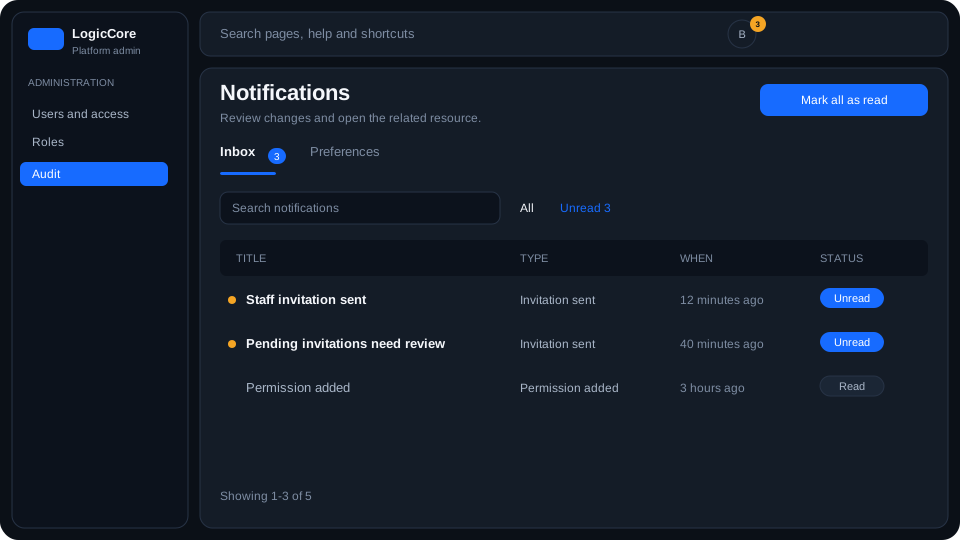
Inbox lists invitations, role changes and permission updates that affect you. Unread rows keep a blue count on the bell and on the Inbox tab.
Header bell
- The badge number is unread inbox items, not the total history.
- Inbox and Activity tabs inside the panel. Activity opens Audit.
- Click a notification to mark it read and open the resource (invitations, roles, permissions, audit).
- View all opens this full page. Mark all as read clears the badge.
Steps
- Open the bell when the badge shows a count.
- Select a row to jump to the detail.
- Use All / Unread on this page, or Preferences to mute an event type.