Portal profile and organization
See your account, invite colleagues, and review who belongs to the organization.
Portal profile is the client equivalent of My profile: who you are, plus the organization you share with colleagues.
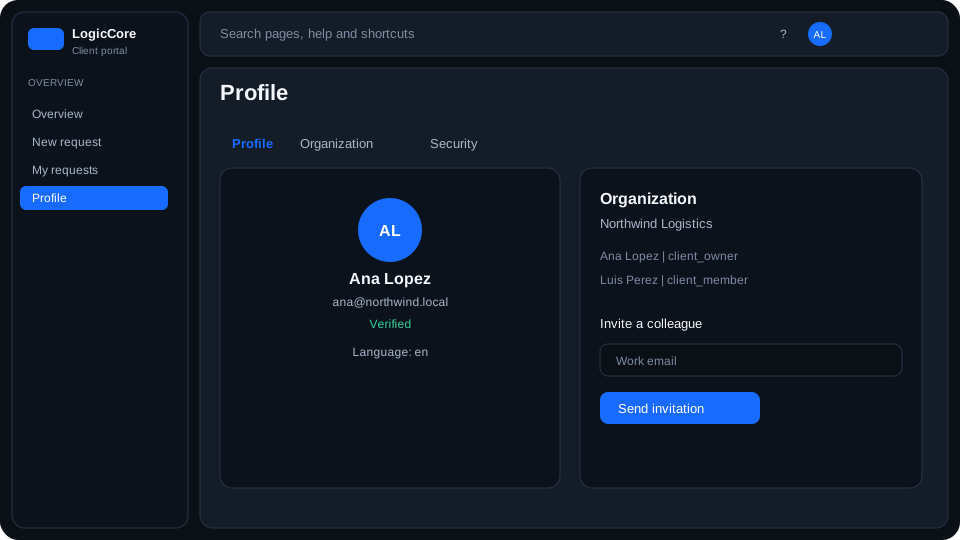
What you see
Account
Email on your membership and whether it is verified. Unverified addresses can still sign in but may miss notifications.
Organization
Members who share this portal. Owners can invite another colleague. Members cannot change other people’s access.
Steps
- Open Profile from the portal account menu.
- Review your email and verification state.
- Owners: invite a colleague with a client role (client_owner or client_member).