Start a project request
Describe the objective. Save a draft any time; submit when the request is complete.
Use this form when you know what you need from LogicCore but you are not signing a contract yet.
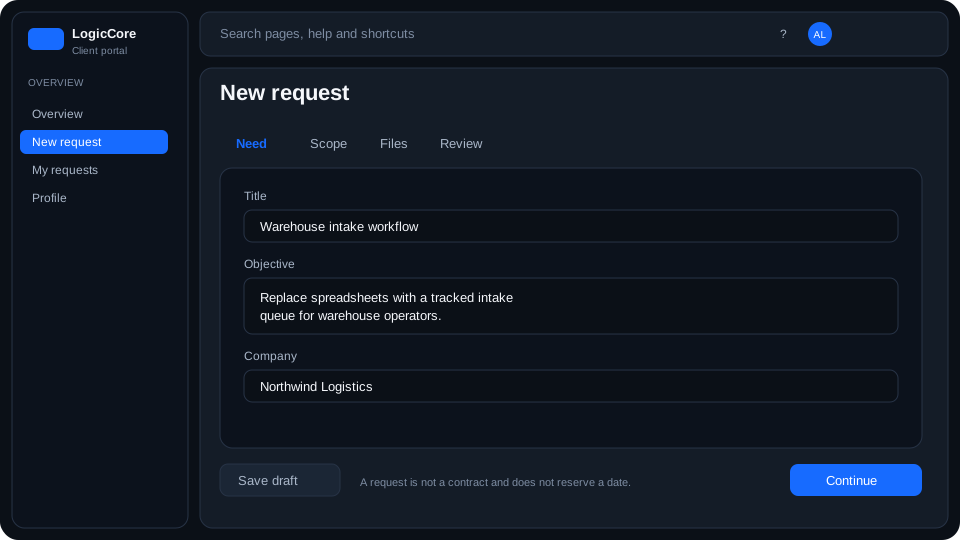
What each field means
Title
Short name for the list (for example “Warehouse portal”). Required to save a draft.
Company
Helps LogicCore create or match your organization. Use the legal or trading name you already used on other requests.
Description
What you need, who will use it, and any deadline. You can leave it short in a draft and complete it before submit.
Steps
- From portal home or Requests, start a project request.
- Fill title and company. Save draft if you need to stop.
- Submit when the description is complete. Closing the form with unsaved edits asks you to save or discard.