Your organization home
See request counts and start a new project request for your organization.
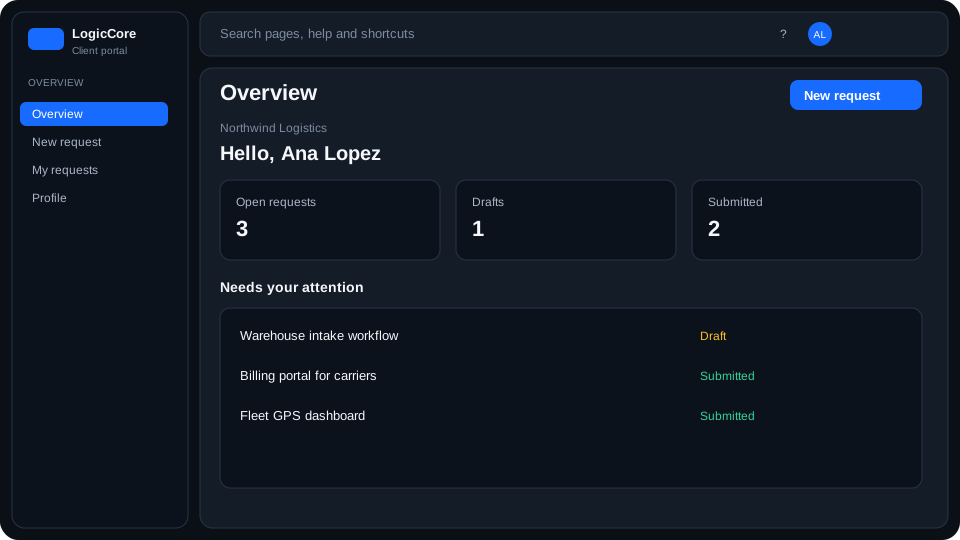
Portal home is the client landing after sign-in. It summarizes your organization, not the operator ERP.
What the counts mean
- Open / draft requests still belong to you and can be edited.
- Submitted requests notified LogicCore; they are not a signed contract.
- Organization members are people who share this portal workspace.
How to use it
- Read the counts, then open Requests for the full list.
- Start a project request from the toolbar when you have a new need.
- Use Profile to see members and invite a colleague if you are an owner.