Permission catalog
Each permission is a resource plus an action. Roles tick these keys; people do not hold them directly.
The catalog is the vocabulary of capabilities. A key looks like audit.view or contracts.edit. Roles select which keys they grant.
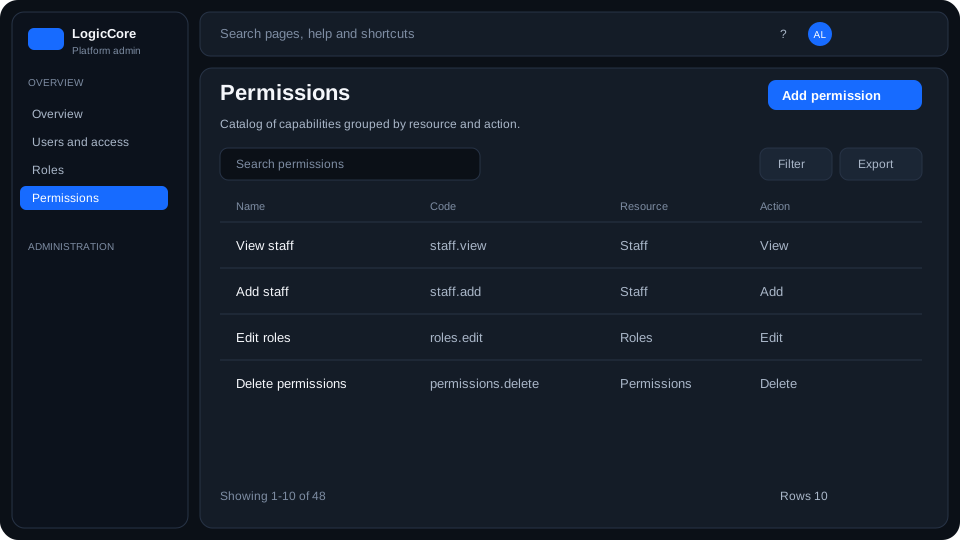
What each column means
Name
Human label (Add audit, View content). Used in the role matrix and this list.
Code
Stable key `resource.action` (audit.add). Built automatically from the resource slug and the action. APIs and overrides use this string.
Resource / action
Resource is the domain noun (Audit, Content, Contracts). Action is view, add, edit or delete. Together they are one catalog row.
How to use the catalog
- Search by name or code. Filter by resource when the list is long.
- Add permission — pick a resource and one or more actions.
- Edit only changes the human name; the code stays stable.
- Delete removes the key from every role that had it ticked.