Sign in to LogicCore
Use email and password. Admin operators may complete MFA before the session starts.
LogicCore has two doors: the client portal and the admin ERP. Each issues the same session cookie, but they live on different URLs so you never mix a client membership with operator tools.
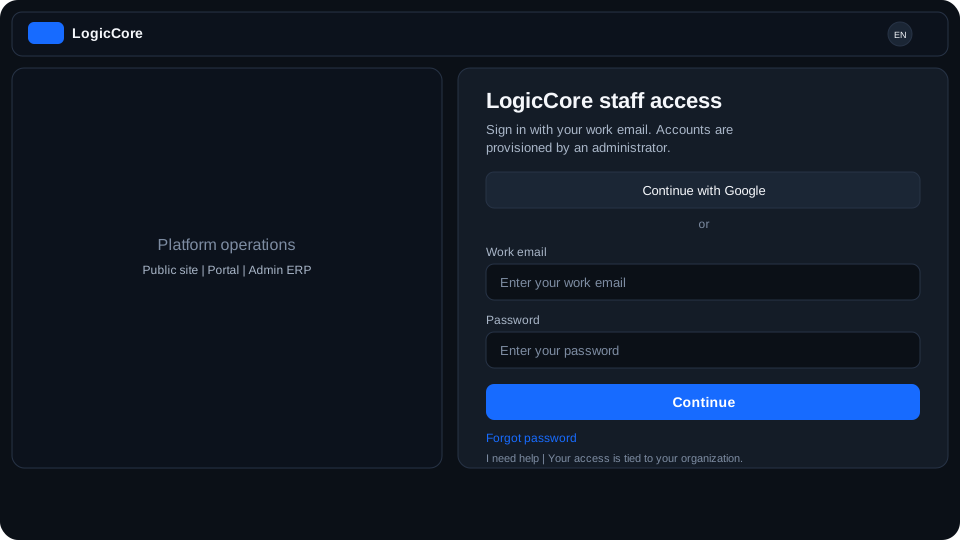
What each field means
The address you were invited with. Portal clients and operators are not interchangeable: an operator email will not open the client portal, and a client email will not open admin.
Password
At least 10 characters. There is no “remember me” checkbox: the session cookie lasts until you sign out or it expires.
MFA code (admin only)
Platform operators with MFA enabled must enter a one-time code after the password. The session is written only after MFA succeeds.
How to sign in
- Open the portal or admin sign-in URL for your locale (/en or /es).
- Enter the invited email and your password.
- If you are an operator with MFA, complete the one-time code.
- You land on portal home or admin overview according to the door you used.